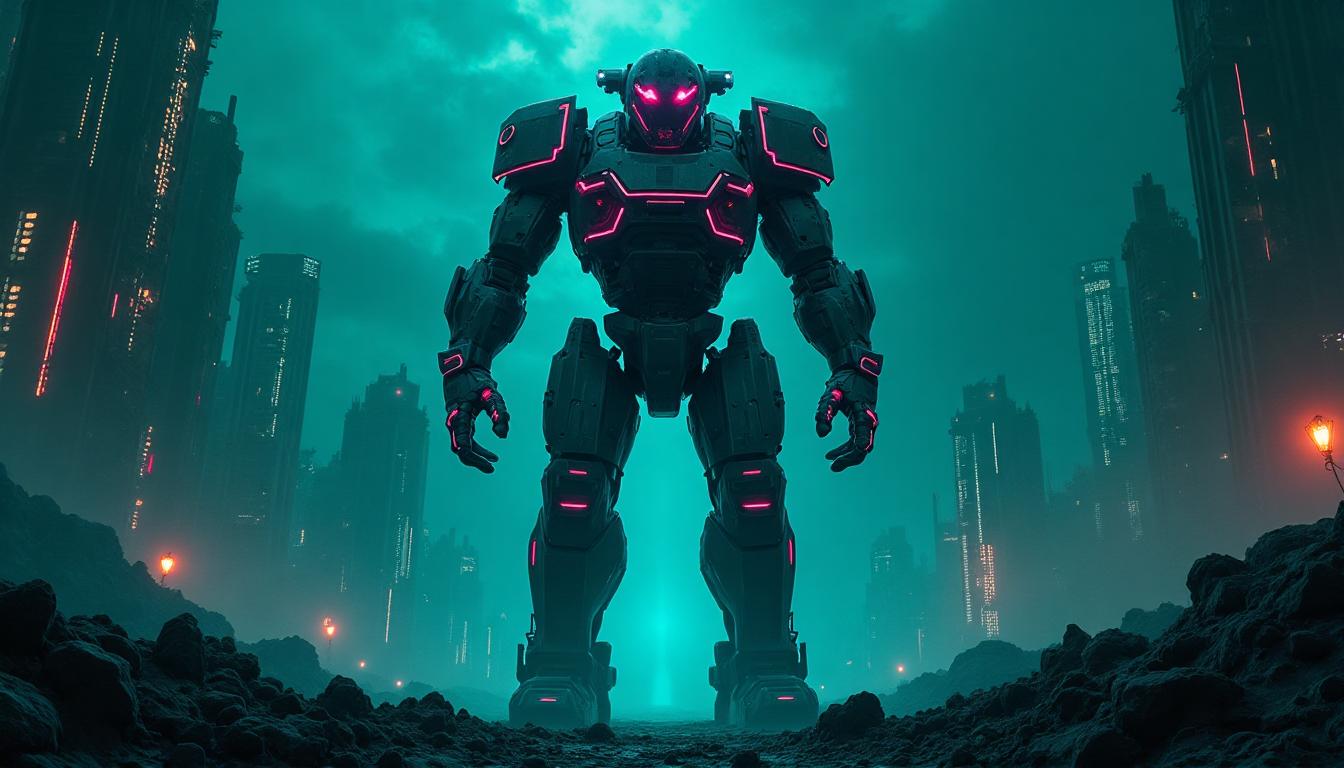
Base FLUX is a remarkable model that has one well-known habit: it loves a certain glossy, slightly plasticky look. Skin comes out airbrushed, lighting comes out flat and even, and portraits drift toward that polished stock-photo sheen unless you fight the prompt. Juggernaut Flux exists because the community got tired of fighting it. RunDiffusion took FLUX and fine-tuned it specifically toward photographic realism — real skin with pores and imperfections, directional light that behaves like it came from an actual source, and color grading that reads like a camera profile instead of a diffusion model's idea of one.
The result became one of the most popular photorealism fine-tunes in the ecosystem, and for a simple reason: it closes the gap between "AI image" and "photo someone took" better than almost anything else you can call through an API. If your workload is portraits, editorial-style shots, product photography, or anything where the viewer is supposed to believe a camera was involved, this is the model you benchmark everything else against.
We host it as juggernaut-flux on the same OpenAI-compatible image endpoint as the rest of the lineup — one key, one base URL, and you can swap it in for any other image model by changing a single string. What follows is what it's actually good at, where it lets you down, how it compares to the other image models on the platform, and what it costs.
What it's good at
Four things, in order of how much they matter in practice. Each one is a place where Juggernaut Flux doesn't just edge out base FLUX — it changes whether you can ship the output at all. One framing note before the list: everything below assumes you prompt it like a photographer, not like a painter. The model inherits FLUX's excellent prompt adherence — long, specific, natural-language descriptions actually get followed — but it interprets them through a photographic lens, and the prompts that win are the ones written in that language.
Photorealistic portraits
This is the headline strength and the reason most people reach for the model. Ask base FLUX for a portrait and you get a beautiful render of a person-shaped subject. Ask Juggernaut Flux for the same portrait and you get someone who looks like they exist. The difference shows up in the details that make faces believable: asymmetric features, catchlights that match the described lighting, natural catch in hair, and micro-expression around the eyes and mouth instead of the default serene half-smile diffusion models love.
Prompt behavior matters here. Juggernaut responds well to photography vocabulary — lens focal length, aperture, film stock references, camera models. A prompt like "35mm portrait, f/1.8, shallow depth of field, overcast window light" gives you visibly different, more photographic output than the same scene described without the camera language. Base FLUX largely ignores or decorative-parses these tokens; Juggernaut was trained on data where they mean something, so use them. You can also push age, ethnicity, and weathering details further before the model collapses into generic-beautiful territory, which matters if you're generating diverse casts of characters rather than one aspirational face.
Practical use cases: character portraits for fiction projects, headshot-style imagery for mockups and prototypes, editorial illustration where a photo is implied, and any content pipeline where the reader should not immediately clock the image as synthetic. If that's the bar, this model clears it more often than anything else at this price.
One underrated portrait behavior: consistency of identity cues across a batch. Generate four images from the same prompt and the face varies, as it should — but the variation stays within a plausible family rather than jumping between unrelated faces. If you're building a character sheet by curating renders, you spend your time picking the best expression instead of verifying it's still the same person. Pair it with a fixed seed strategy in your pipeline and you can hold a character together across a whole project.
Skin texture and anatomy
The single biggest tell of an AI-generated person used to be hands. Then the hands got fixed, and the tell became skin: too smooth, too even, lit like a department store display. Juggernaut's training emphasized dermatological realism, and it shows. Pores, fine hair, subtle blemishes, the way skin specularity changes across cheekbones versus the forehead — all of it renders with a granularity that holds up even when you zoom in. This is the model's most-cited community win, and it survives scrutiny at full resolution.
Anatomy follows the same pattern. Fingers, ears, teeth, and the collarbone-to-shoulder junction — the usual failure points — are noticeably more reliable than in base FLUX, and dramatically more reliable than in older Stable Diffusion-derived models. Not perfect, and we'll get to that in the weaknesses section, but the failure rate is low enough that you're curating the best of four renders instead of praying one of twenty is usable.
For anyone doing people-centric work at volume, this compounds. A lower anatomy failure rate is a direct cost reduction: fewer wasted generations, fewer rerolls, less time in post fixing fingers. At 56 cents a render, the difference between a 25% and a 60% keeper rate is the difference between a viable pipeline and an expensive hobby.
Cinematic lighting
Juggernaut Flux handles light the way a photographer thinks about it: as something with a source, a direction, a color temperature, and a falloff. Prompt "golden hour rim light from behind, long shadows" or "single tungsten practical, hard shadows, moody" and the model commits to it. Shadows land where the described source says they should. Mixed lighting — cool ambient with warm key, for instance — comes out as mixed lighting rather than averaged-out mush.
This is where the "cinematic" descriptor earns its keep. Film-still aesthetics, noir hard light, neon-drenched night scenes, hazy backlit interiors — the model has clearly seen a lot of cinema-adjacent photography and reproduces those lighting schemes with conviction. It also handles high-contrast scenarios that make lesser models flinch: subjects against bright windows, scenes lit mostly by a screen, dusk shots where the subject is close to silhouette. You get the drama without the exposure errors.
Where this pays off: mood-driven content, thumbnails and hero images that need to read at a glance, storyboard and concept frames for video work, and any shot where the light is the subject. If your prompt's first sentence is about the lighting rather than the object, you're prompting this model the way it wants to be prompted.
General-purpose photography beyond portraits
Portraits get the attention, but the same training pays off across other photographic genres. Product shots come out with believable materials — brushed metal reads as brushed metal, glass has the right reflections, fabric has weave. Food photography, a genre where AI images usually die on texture, is serviceable to genuinely good. Landscapes and architecture carry natural atmospheric perspective and plausible skies instead of the hyper-saturated postcard look.
The common thread is that Juggernaut defaults to "photograph" whenever the prompt is ambiguous. That's a feature if your work is photography-shaped, and it's the thing to remember if it isn't — more on that below. But for editorial mockups, realistic scene-setting, lifestyle imagery, and any brief that would otherwise go to a stock site, the default is exactly what you want.
Environments deserve a specific mention because they're where the cinematic training and the realism training overlap. Interiors with motivated lighting — a lamp in the corner, dusk through blinds, fluorescents in a parking garage — come out with the kind of production-design believability that normally takes a mood board and a 3D blockout to approximate. If you need backgrounds and establishing shots to composite characters into, or realistic settings for visual development, one model covers both the people and the places, and the two actually match in lighting logic.
Where it falls short
Honesty section, because no model is the right tool for everything, and pretending otherwise wastes your credits.
- Stylized art is not its job. Anime, illustration, painterly work, flat graphic styles — Juggernaut will drag all of it back toward photorealism. You can fight it with aggressive style prompts and you'll get a muddy compromise. If your brief is stylized,
stable-diffusion-3.5or a dedicated anime fine-tune elsewhere is the right call. This model was built to kill the stylized look, and it does that to your stylized prompts too. - Text rendering is inherited from FLUX, not improved. It's decent by diffusion standards — short words and signage often come out legible — but it's not reliable for anything longer than a few characters, and typography-centric designs still need a layout tool, not a diffusion model.
- Extreme anatomy edge cases still fail. Hands holding unusual objects, crossed arms, multiple interacting people, full-body shots at small subject scale — the failure rate is lower than the alternatives, not zero. Budget rerolls for complex multi-person compositions.
- It costs the same as flux-1-dev, because it is FLUX-sized. There is no speed or price advantage over the base model here. You're paying for the fine-tune's look, and if a given prompt doesn't benefit from it, you spent dev money for schnell-quality differentiation.
- Concept drift on abstract prompts. Highly conceptual or surreal prompts — the kind where you want the model to invent rather than photograph — come out literal. It will give you a gorgeous photo of a thing when you asked for an idea.
None of these are dealbreakers; they're scoping constraints. Juggernaut Flux is a specialist. Use it inside its specialty and it's one of the best image models available at any price. Use it outside and you're paying premium rates for stubborn realism you didn't want.
Juggernaut Flux vs the other image models
We carry four image models, and the split is cleaner than most lineups because each one owns a distinct lane.
vs `flux-1-dev`: same architecture, same price, different soul. Base dev is the better generalist — it handles stylization, illustration, and unusual concepts with more flexibility, and it's the safer default when the brief isn't specifically photographic. Juggernaut wins the moment realism is the goal: portraits, people, products, anything camera-shaped. Rule of thumb: if the ideal output could plausibly be a photograph, use Juggernaut; if it couldn't, use dev.
vs `flux-1-schnell`: schnell is the budget draft model — roughly 1/43rd of the per-image price at a fraction of the quality ceiling. The standard workflow is draft composition and prompt on schnell, then run the finals on Juggernaut (or dev). Schnell's output is not comparable on realism; it's the sketch pad, not the canvas. Nobody should be shipping schnell portraits, and nobody should be exploring composition at 56 cents a pop when schnell exists.
vs `stable-diffusion-3.5`: SD 3.5 is the stylization pick — illustration, concept art, looks that lean into the medium rather than out of it. It's also priced differently enough that it wins for high-volume stylized work. For photorealism it's not a contest: SD 3.5's people still carry that model family's texture and anatomy quirks, and Juggernaut out-resolves it on every photographic metric that matters. Different tools; pick by output style, not by habit.
The honest summary: within this platform, Juggernaut Flux is the answer to exactly one question — "I need it to look real." If that's your question, nothing else in the catalog is close. If it's not your question, one of the other three probably is.
Pricing
Upstream, Juggernaut Flux costs 22.5 cents per image. Our standard retail rate is upstream × 2.5, so you pay 56 cents per image at the base tier. That's per generation with no subscription, no monthly reset, and no credits that expire — your balance just sits there until you spend it.
The rate drops permanently based on your largest single deposit: $50 drops you to 2.25× (~50.6¢/image), $100 to 2.10× (~47.3¢/image), and $200 to 2.00× (45¢/image). One deposit, every model on the platform gets cheaper forever, and it applies to everything you generate after it. Deposits are crypto via NOWPayments starting at $5, so you can test the whole pipeline for less than a coffee before committing to a tier. Live rates and the current upstream numbers are always on the pricing page — if RunDiffusion moves their price, ours moves with it and that's where you'll see it first.
Convert the unit price to finished work and the numbers stay friendly. Twenty final renders at the standard rate is $11.20 — less than a single month of most image-tool subscriptions, with no recurring charge afterward. Draft composition on flux-1-schnell at a tenth of a cent per image, finalize on Juggernaut, and a hundred-image project typically lands in the $60–70 range at base rate, dropping toward $54 at the 2.0× tier. The honest comparison isn't free local generation (your GPU, your electricity, your evenings babysitting installs) — it's the subscription you'd otherwise pay every month whether you generate or not.
Signup is as anonymous as the billing: you get an account key (BAM-XXXX-XXXX-XXXX) and set a password. No email, no KYC, no identity check anywhere in the flow. Lose the key and there is no recovery email, because there is no email — treat it like a wallet seed.
How to call it
The API is an OpenAI-compatible drop-in. Point the official SDK at our base URL, use your sk-bam- key, and set the model to juggernaut-flux. If you already have code calling OpenAI's image endpoint, the migration is literally two lines.
import OpenAI from "openai";

const client = new OpenAI({
  baseURL: "https://badassmodel.com/v1",
  apiKey: process.env.BAM_API_KEY, // your sk-bam-... key
});

const result = await client.images.generate({
  model: "juggernaut-flux",
  prompt:
    "35mm portrait of a weathered fisherman, f/1.8, golden hour rim light, salt-cracked skin, windblown grey beard, North Sea overcast sky behind, cinematic color grade",
  n: 1,
  size: "1024x1024",
});

console.log(result.data[0].url);
Swapping models is changing one string — run the same prompt through flux-1-schnell while you iterate on composition, then flip to juggernaut-flux for the final render. Same endpoint, same auth, same response shape.
Who it's for
Juggernaut Flux is for anyone whose output is supposed to look like a camera was involved: content pipelines generating realistic people at scale, indie creators who need editorial-grade imagery without a stock subscription, developers building products around synthetic photography, and writers who want character portraits that don't look like video game NPCs. It's for the workflow that drafts cheap on schnell and finishes on the model whose keeper rate justifies 56 cents. And it's for people who'd rather pay per image with crypto and an anonymous key than hand a card number and an identity document to yet another subscription service.
It's not for stylized art, it's not for text-heavy design, and it's not the cheapest way to make an image — it's the cheapest way to make an image that looks real. If that's the job, this is the model.